
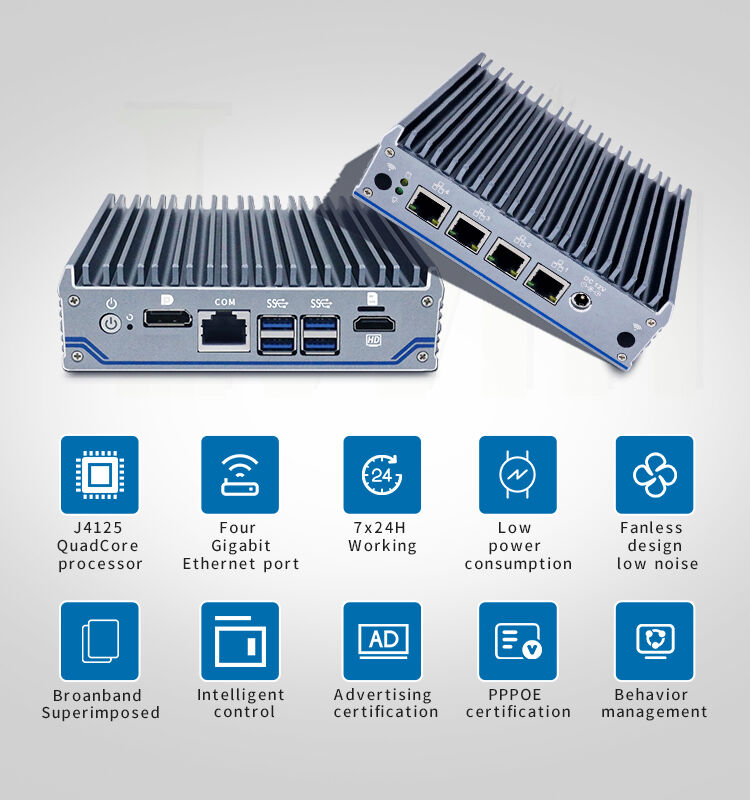
Maintaining an x86 firewall router from Shenzhen Xinsaike Technology Development Co., Ltd. involves several key practices to ensure optimal performance and security. First, regularly update the router's firmware to patch vulnerabilities and access new features, typically done via the admin interface by downloading the latest version from the manufacturer’s support portal. Clean the router’s exterior and ventilation slots (if non-fanless) with a dry cloth to prevent dust accumulation, which can affect heat dissipation—fanless models require less cleaning but should still be checked for debris. Monitor network traffic and logs through the management dashboard to identify unusual activity, such as repeated login attempts or abnormal data flows, which may indicate security threats. Regularly back up configuration settings to a secure location to facilitate quick restoration in case of system failures. For routers with removable components, such as power supplies, inspect them for signs of wear and replace as needed. Additionally, ensure the router is placed in a well-ventilated, temperature-controlled environment to avoid overheating, and test failover mechanisms (if applicable) to guarantee network continuity during outages.