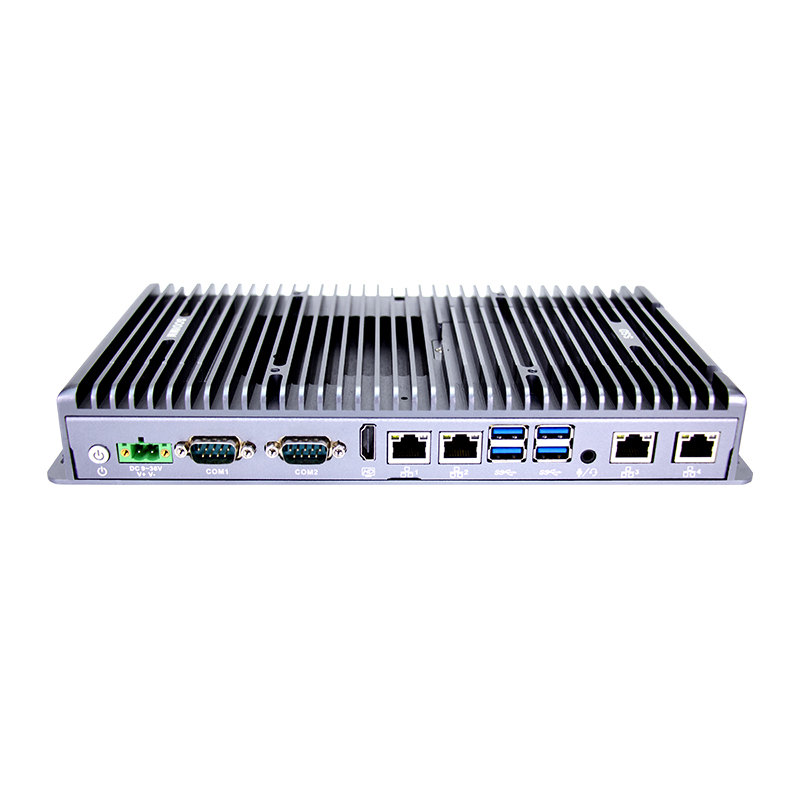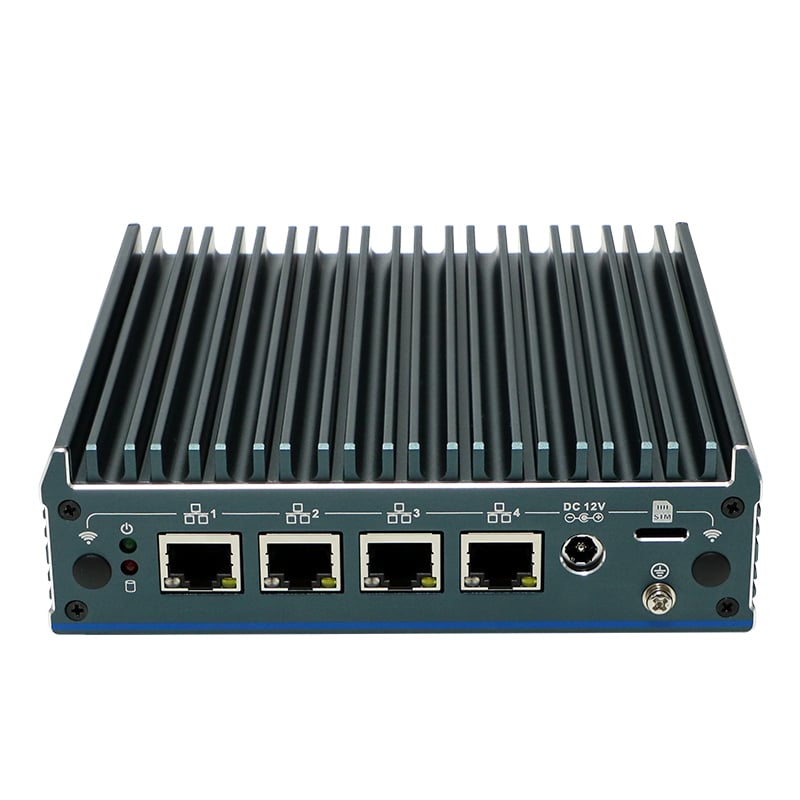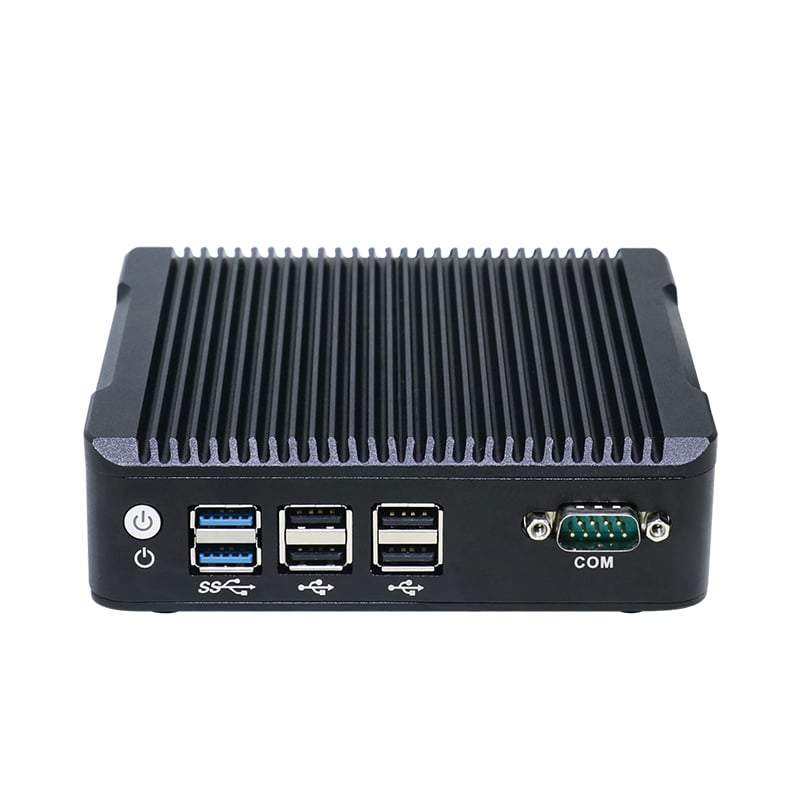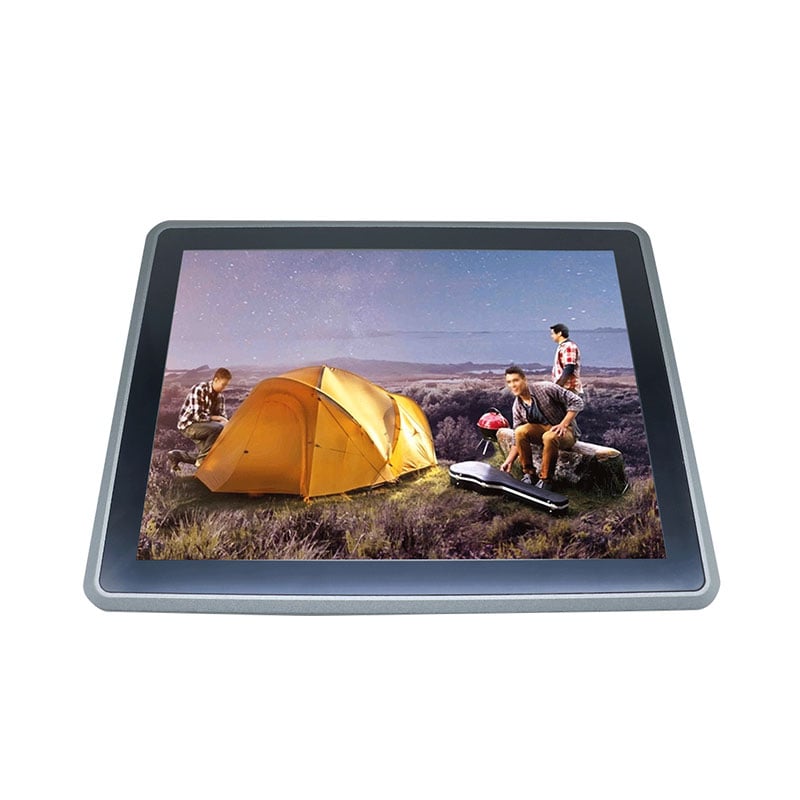

Choosing a mini PC depends on your specific needs. Here’s a step-by-step guide to help you pick the right one:
Determine Your Use Case
What will you primarily use the mini PC for?
-Basic tasks(web browsing, office work, media playback) → Low-power CPU (Intel Celeron, AMD Athlon).
-Home theater (HTPC)→ 4K HDR support, good GPU (Intel UHD Graphics, AMD Vega).
-Gaming→ Dedicated GPU or powerful iGPU (AMD Ryzen APUs, Intel Iris Xe).
-Workstation(coding, video editing, CAD) → High-performance CPU (Intel Core i7/i9, AMD Ryzen 7/9).
-Server/NAS → Low-power but multi-core CPU, multiple storage/network options.
Choose the Right Processor (CPU)
-Intel:
- Budget: Celeron, Pentium
- Mid-range: Core i3/i5 (U-series or P-series)
- High-end: Core i7/i9, Intel NUC Extreme
-AMD:
- Budget: Athlon
- Mid-range: Ryzen 3/5 (U-series)
- High-end: Ryzen 7/9 (H-series for better performance)
Memory (RAM)
-4GB→ Basic tasks (but not recommended for future-proofing).
-8GB→ Good for most users (office work, light multitasking).
-16GB+→ Gaming, video editing, virtualization.
Storage Options
-SSD (NVMe or SATA):** Faster boot and load times (256GB–2TB).
-HDD (2.5" SATA):** Cheaper for bulk storage (but slower).
-Expandable storage:** Check if it supports extra M.2 or SATA slots.
 Hot News
 EN
EN