 EN
EN

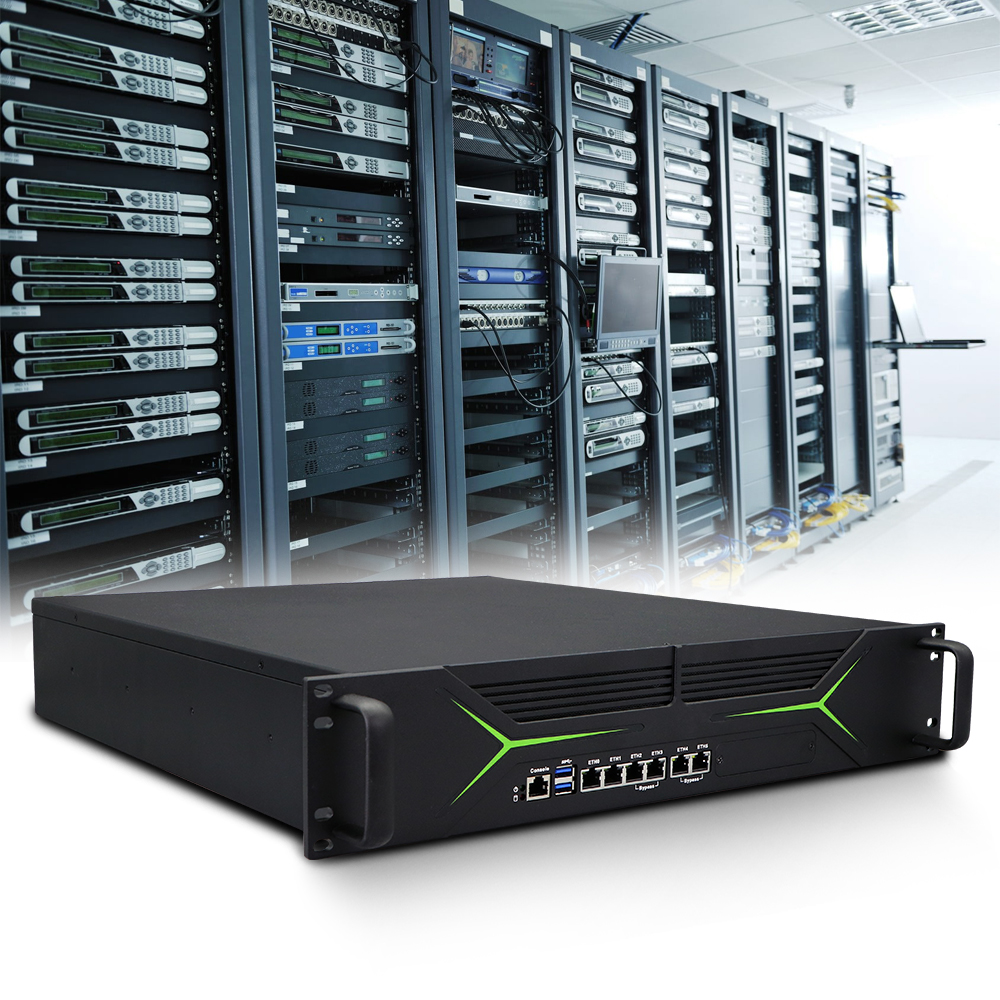
Control cabinets are getting crowded. In a typical retrofit project, the available depth inside an existing enclosure often sits around 150mm, and anything deeper than 100mm becomes a problem. Add a PLC, a power supply, terminal blocks, and a network switch to the same rail, and the space left for a computer shrinks fast. That's before anyone mentions AGVs, collaborative robot arms, or machine-mounted vision systems, where the computer has to fit inside a platform that was never designed to carry one.
The compact industrial PC market reflects this pressure. Global sales in this segment reached roughly USD 736 million in 2025 and are tracking toward USD 1.15 billion by 2032, growing at a compound rate near 6.7%. The growth isn't happening because small computers are fashionable. It's happening because decentralized intelligence, edge analytics, and machine-level control all require computing hardware that can live where the work happens, not in a separate room down the hall.
The Physical Limits That Define a Deployment
Space constraints in industrial settings come in a few distinct flavors, and each one pushes the hardware design in a different direction.
Control cabinet mounting is the most common scenario. DIN rail is the default interface, and the available real estate is measured in millimeters. A PLC from a major automation vendor might occupy a footprint of 80 x 80mm or smaller. The computer needs to fit alongside it without forcing a cabinet upgrade. That's where form factors like 133 x 102 x 51mm or 63 x 110 x 160mm become meaningful. They're not just small. They're sized to slot into the same rail infrastructure that everything else uses.
Mobile platforms bring a different set of limits. An AGV or AMR has a battery bay, a motor controller, sensors, and a chassis designed around weight distribution. Every kilogram matters because it affects battery life and payload capacity. A 1U-height fanless computer weighing around a kilogram can be mounted in a space that a traditional box PC would never fit. The mounting orientation often changes too. Vibration from the drive system means the computer has to handle shock and continuous oscillation without loosening connectors or stressing solder joints.
Machine-level integration is the third scenario. A vision system mounted on a robotic arm or a quality inspection station on a production line needs computing power close to the camera. Running cables back to a cabinet-mounted server introduces latency and adds failure points. A compact fanless unit bolted to the machine frame keeps the processing local and the cable runs short.
What Gets Sacrificed When a PC Shrinks
There's no free lunch in thermal design. A smaller enclosure has less surface area, and less surface area means less heat dissipation capacity. A fanless compact computer relies entirely on conduction through the chassis and convection from the external surfaces. The thermal path from the processor to the outside world has to be engineered with almost no margin for error.
This is where a lot of cheap compact PCs fall apart. The processor might be rated for a certain thermal design power, but the chassis can't move that heat out fast enough under sustained load. The result is thermal throttling, where the processor drops its clock speed to avoid overheating. For a light-duty application, that might never show up. For an edge AI workload running continuous inference, it becomes a performance cliff.
Electromagnetic compatibility adds another constraint. IEC 61000-6-2 sets the immunity requirements for industrial environments, and meeting it in a compact enclosure is harder than in a larger one. Radiation immunity jumps from the commercial 3 V/m standard to 10 V/m, and conducted immunity from 3 V to 10 V. Shielding, filtering, and grounding all compete for space inside a chassis that's already tight. Components that would be placed apart in a larger design end up closer together, which increases the risk of coupling and interference.
The table below shows how compact industrial PCs differ from standard box PCs in the constraints they operate under.
| Design Factor | Standard Box PC | Compact Industrial PC |
|---|---|---|
| Typical footprint | 200-300mm wide | 100-160mm wide |
| Mounting | Wall, VESA, shelf | DIN rail, VESA, machine frame |
| Thermal budget | Higher, more surface area | Tight, conduction-dependent |
| Expansion slots | 1-2 PCIe possible | M.2 only, no PCIe |
| Power input | 12V or 24V fixed | 9-36V DC wide range typical |
| Weight | 2-4 kg | 0.5-1.5 kg typical |
That weight difference matters more than it looks on a spec sheet. On a collaborative robot arm with a payload limit measured in single-digit kilograms, a 3kg computer is a non-starter. A 1kg unit might be acceptable if the mounting position is chosen carefully. The engineering decision isn't just "does it fit." It's "does the platform still perform its primary function with this mass added."
Wide Voltage Input and the Reality of Industrial Power
A compact industrial PC deployed on a vehicle or in a cabinet rarely sees a clean power supply. Vehicle electrical systems produce voltage spikes when inductive loads switch off. Cabinet power distribution can sag during motor starts. A nominal 24V rail might dip to 18V or spike to 30V in normal operation, and the computer has to ride through all of it.
Wide input ranges of 9-36V DC are standard for industrial-grade compact PCs, with some models extending to 10-60V for specific vehicle applications. Reverse polarity protection is expected. Ignition control, which allows the computer to start and shut down in sync with the vehicle ignition, is a feature that shows up on designs intended for on-vehicle deployment.
This isn't a checkbox item. A power supply that isn't designed for the input range will fail, and it will fail in a way that's hard to diagnose because the failure might only occur during specific operating conditions. A voltage sag during a motor start might reset the computer once a week, and the operator writes it off as a glitch. The glitch is a hardware design limitation.
A Control Cabinet Retrofit That Ran Out of Room
An electronics manufacturing facility was upgrading a PLC-based automation line to add machine vision inspection at three stations. The existing control cabinet had been installed years earlier and was already populated with PLC racks, power supplies, and I/O modules. The original plan called for standard industrial box PCs, one per inspection station, mounted on the cabinet backplate.
The first unit arrived and didn't fit. The cabinet depth was around 180mm, and the available backplate area after accounting for existing components was too shallow for the box PC's mounting requirements. The system integrator tried mounting it on the cabinet door, but the door swing clearance conflicted with a safety interlock. The project stalled for several days while options were evaluated.
The solution was a switch to DIN rail mounted compact computers with dimensions closer to a PLC than a traditional PC. Each unit was roughly the height of a standard circuit breaker and mounted directly on the existing rail. The power and network cabling reused the same pathways that had been planned for the larger units. The vision cameras connected over Ethernet, and the inspection algorithms ran locally on each compact PC, sending pass/fail results to the PLC over Modbus.
What made the difference wasn't raw computing power. It was the form factor matching the physical reality of the cabinet. The compact units had less processing headroom than the original specification, but they were sized appropriately for the actual inspection workload. Matching the hardware to the deployment environment, rather than over-specifying and then struggling with fit, is where these projects succeed or fail.
What to Check Before Specifying a Compact Unit
Buying a compact industrial PC on dimensions alone is a recipe for trouble. A few practical checks tend to surface the gaps.
-
Thermal validation under sustained load. Ask for temperature data at full processor utilization, not idle. A unit that runs cool at idle can still throttle under a real workload.
-
Power input range and protection. Confirm the actual operating range, not just the nominal voltage. Reverse polarity protection and surge handling are baseline expectations for industrial deployment.
-
Mounting flexibility. DIN rail is common, but not every cabinet uses it. VESA and wall mount options matter for machine integration and mobile platforms.
-
I/O that matches the application. A compact chassis limits expansion. Knowing how many serial ports, Ethernet interfaces, and USB connections are available before design freeze avoids last-minute compromises.
-
Lifecycle and component sourcing. A compact unit that uses a short-lifecycle processor becomes a problem when replacements are needed. Industrial deployments expect availability measured in years.
None of these checks are exotic. They're the basics that separate a computer that works in a lab from one that keeps running after eighteen months in a cabinet.
Shenzhen Xin Saike Technology, operating under the XSK brand, has been building industrial computing hardware since 2007 from a manufacturing base in Dongguan that covers over 5,000 square meters. The product range includes mini industrial PCs, embedded systems, industrial panel PCs, and network security platforms, with certifications covering CCC, CE, FCC, RoHS, and TUV. For teams working through space-constrained deployments that need custom I/O configurations or specific mounting hardware without committing to large volumes, the OEM and ODM services and low minimum order quantities offer a practical starting point. Compact hardware is only as useful as the engineering discipline behind it, and that discipline shows up in how a manufacturer handles the details that don't fit on a spec sheet.