 EN
EN

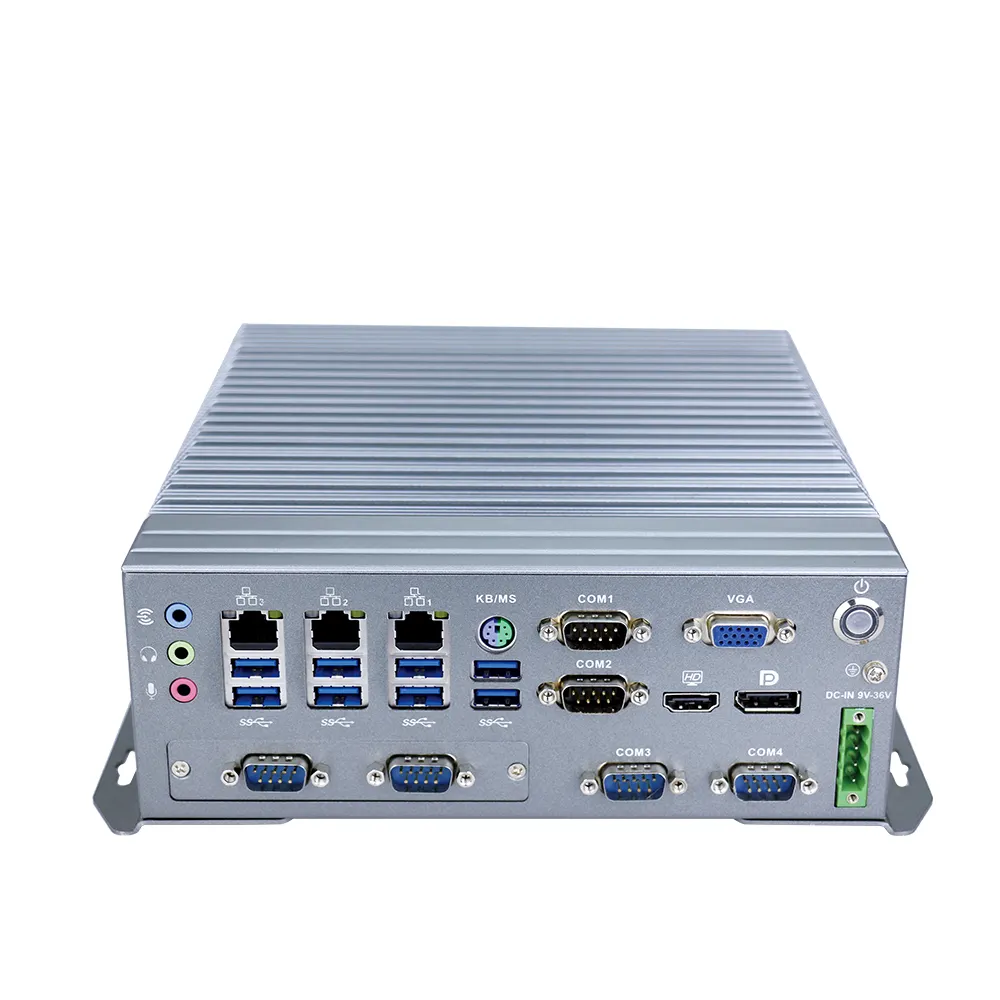
Key Factors for Choosing Industrial PCs
Durability in Harsh Environments
Choosing an industrial PC that can survive tough conditions starts with looking at how durable the unit actually is. The Ingress Protection rating matters a lot here. Ratings like IP65 or IP67 tell us whether the device will stand up to dust buildup and water exposure, factors that really shorten equipment lifespan over time. A higher IP number means better defense against those environmental threats, so the PC lasts longer on the factory floor. Material choices matter too. Aluminum frames offer good strength without adding too much weight, while steel construction provides extra toughness when dropped or bumped around during installation. Many manufacturers also build their PCs according to MIL-STD-810 specifications, which means they've been tested under extreme conditions similar to what happens in warehouses, manufacturing plants, and other rugged workspaces where regular consumer grade computers would fail within weeks.
Thermal Management and Fanless Design
Good thermal control really matters when it comes to how well industrial PCs perform and how long they last. More companies are turning to fanless designs because they cut down on those annoying mechanical failures that come with regular cooling fans. Instead of using fans, these systems passively cool themselves by letting heat escape through the actual body of the device. A big plus here is less dust getting inside the machine, which means the PC tends to work better for longer periods. When systems stay cool enough, they keep running at peak efficiency even in tough conditions where temperatures might spike or drop unexpectedly. Factories dealing with extreme weather or dusty environments find this kind of setup particularly valuable for keeping operations going smoothly day after day.
Processing Power and Scalability
When picking a processor for an industrial PC, it really comes down to what the end user actually needs. Someone might go with an Intel Core if they need something reliable for day-to-day operations, while others will choose Xeon when dealing with heavy-duty processing tasks. Getting the right chip makes all the difference in meeting those computational demands without wasting resources. Scalability matters too. Machines built with modular components let companies upgrade parts as needed instead of replacing entire systems every few years. That kind of flexibility saves money over time. We're seeing more and more manufacturers move toward multi-core processors these days because businesses need their computers to run multiple programs at once and tackle complicated calculations faster. This shift has made a big impact across different industries where downtime costs real money.
Connectivity and Expansion Options
When setting up industrial PCs, having good connectivity options makes all the difference in how well they communicate and work together in factory environments. The basics usually cover things like USB ports, Ethernet jacks, and Wi-Fi support so operators can move data around quickly and run systems remotely when needed. Most modern industrial PCs come with expansion possibilities too, often through PCIe slots that let technicians attach extra gear like special sensors or control hardware. This kind of flexibility really matters in manufacturing settings where needs change constantly. Another important consideration is protocol compatibility. Machines that speak languages like Modbus or Profibus can slot right into older systems without causing headaches for engineers trying to keep everything working together. This isn't just about technical specs it actually saves time and money in the long run for plant managers dealing with mixed equipment from different manufacturers.
Certifications and Compliance Standards
Getting proper certifications matters a lot when it comes to proving that industrial PCs are safe and won't harm the environment. Standards like CE marking (which shows compliance with European Union directives), UL certification from Underwriters Laboratories, and RoHS regulations that restrict hazardous substances all play their part in making sure these machines meet strict safety rules. There's also stuff like ISO 9001 quality management system certification, which basically tells buyers that the company behind the product takes quality seriously enough to document every step of production. The reality is that without these marks on the case, many businesses just won't consider purchasing industrial PCs at all. Companies with good certification records tend to gain more trust from customers who want assurance their equipment complies with laws and regulations while still delivering reliable performance day after day.
Top Industrial PCs for Rugged Applications
N1221 Fanless Mini Box PC1: Compact Thermal Efficiency
The N1221 Fanless Mini Box PC fits into tight spaces while still managing heat really well, which makes it great for places where room is at a premium. Without needing any fans at all, this little box stays cool through its solid aluminum casing that also keeps dust out. For folks working in factories or doing remote monitoring tasks, this machine stands out because of its powerful Intel Core J6412 inside. It can handle two screens at once and comes loaded with plenty of USB ports too. All these features together mean reliable performance across different kinds of jobs, whether someone needs something simple or more complex setup requirements.
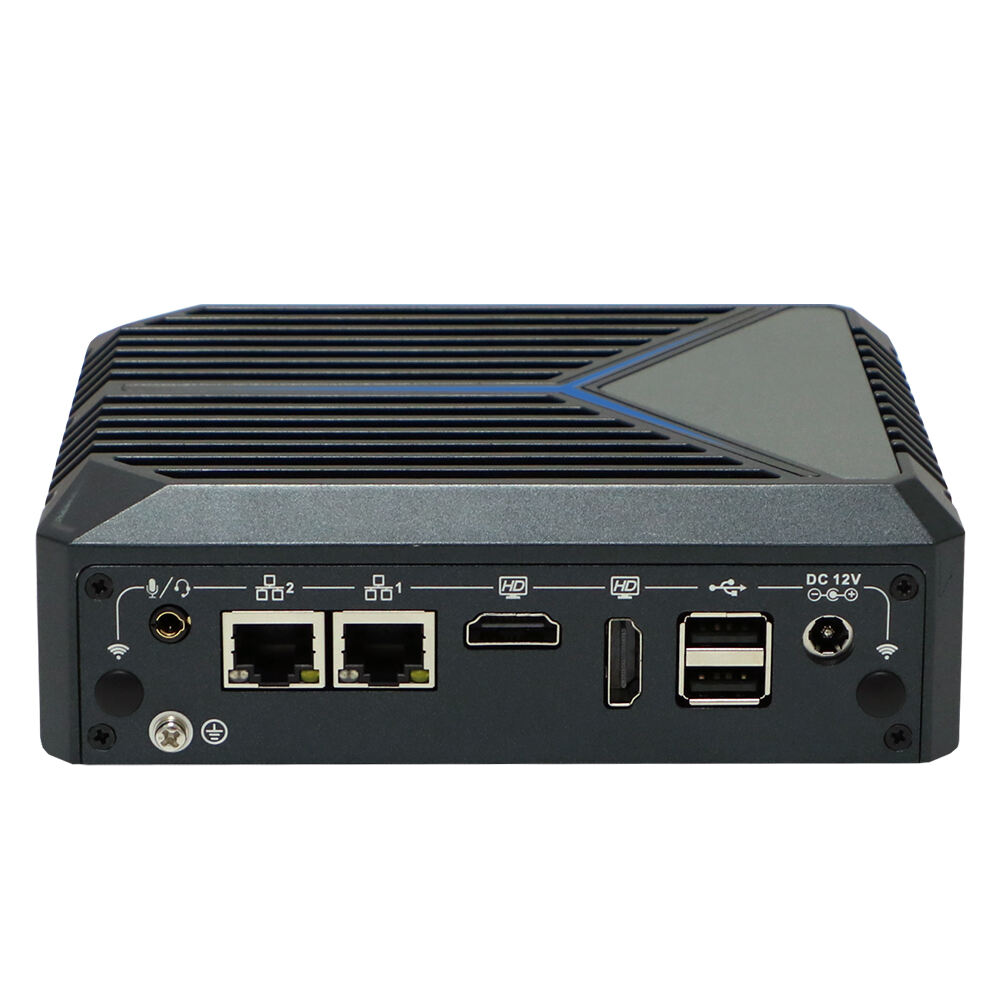
N13L2 Industrial Mini PC Fanless: Dual-Core Performance
The N13L2 Industrial Mini PC Fanless packs decent dual core power that handles multitasking pretty well for most industrial apps out there. Works great with all those important programs needed in tough environments like warehouses and hospitals. People who actually use these machines in the field really appreciate how versatile they are. Some folks mention being able to expand things when needed, which explains why so many companies keep coming back for more units despite the competition. Businesses looking for something dependable yet adaptable often end up choosing this model because it just seems to work day after day without causing headaches.
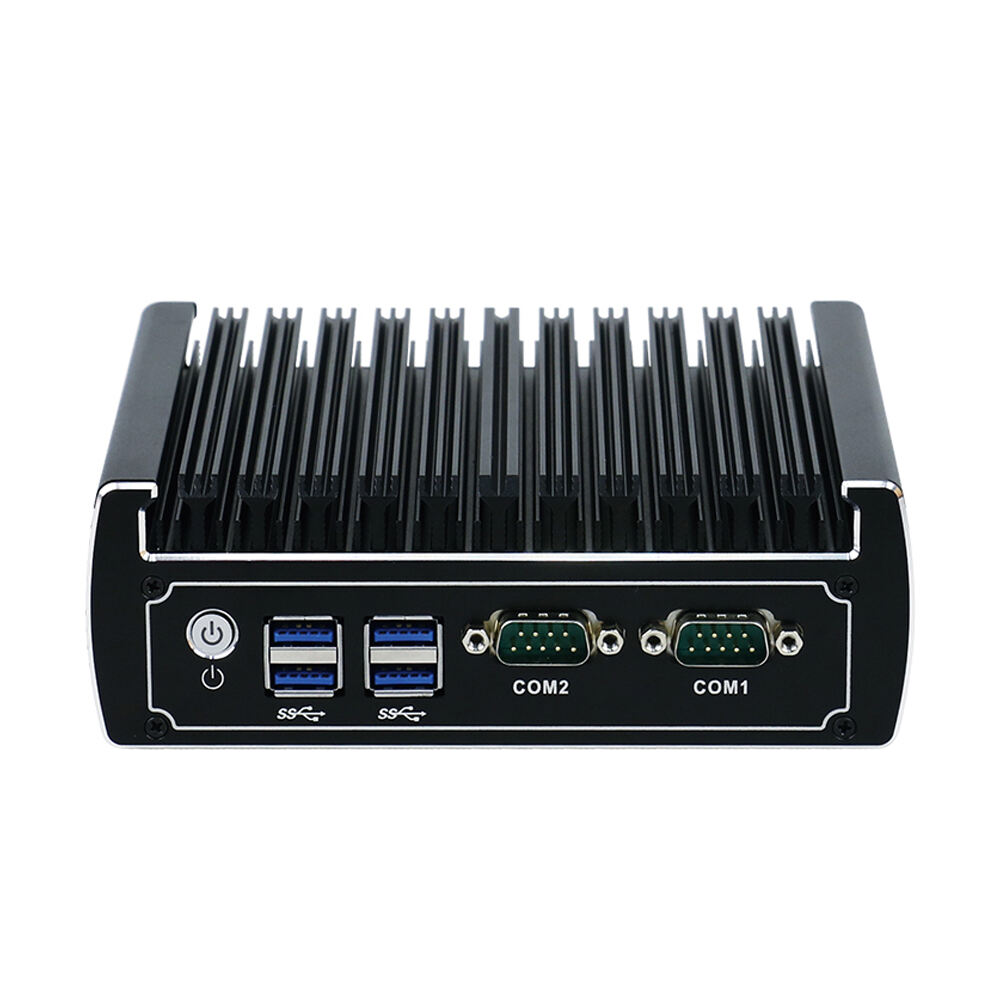
N3022 Fanless Industrial Mini PCs: Multi-Gen Processor Support
One really great thing about the N3022 Fanless Industrial Mini PCs is that they work with several different processor generations. This means these machines can keep up with technology changes over time without needing complete replacements. The system handles all sorts of industrial tasks thanks to powerful processing capabilities that stand up well against tough working conditions found on factory floors or in control rooms. Testing has revealed that this model performs much better than older versions did back when they were first released. For businesses looking ahead, investing in something that will last through multiple tech cycles makes a lot of sense both financially and operationally speaking.
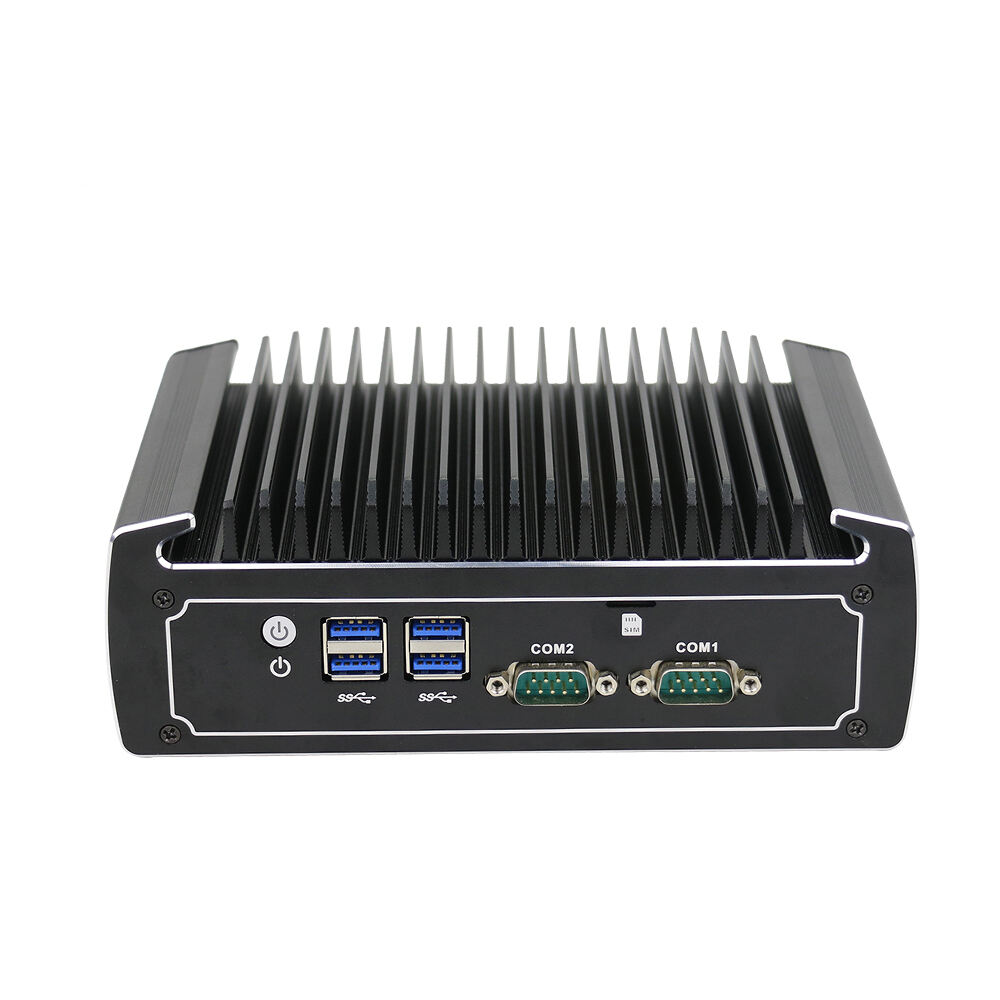
N3422 14th Gen Ultra Mini PC: AI-Ready Edge Computing
The N3422 14th Generation Ultra Mini PC comes packed with cutting edge AI features that represent a major leap forward for industrial edge computing solutions. What sets this device apart is its ability to run complex machine learning tasks right at the source, which means factories and warehouses can process data faster and make smarter decisions on site. We've seen this work wonders in actual manufacturing settings where the PC's edge computing power has streamlined IoT gateway operations and improved machine vision systems dramatically. From quality control inspections to predictive maintenance alerts, this little powerhouse proves itself time and again across various industrial applications.
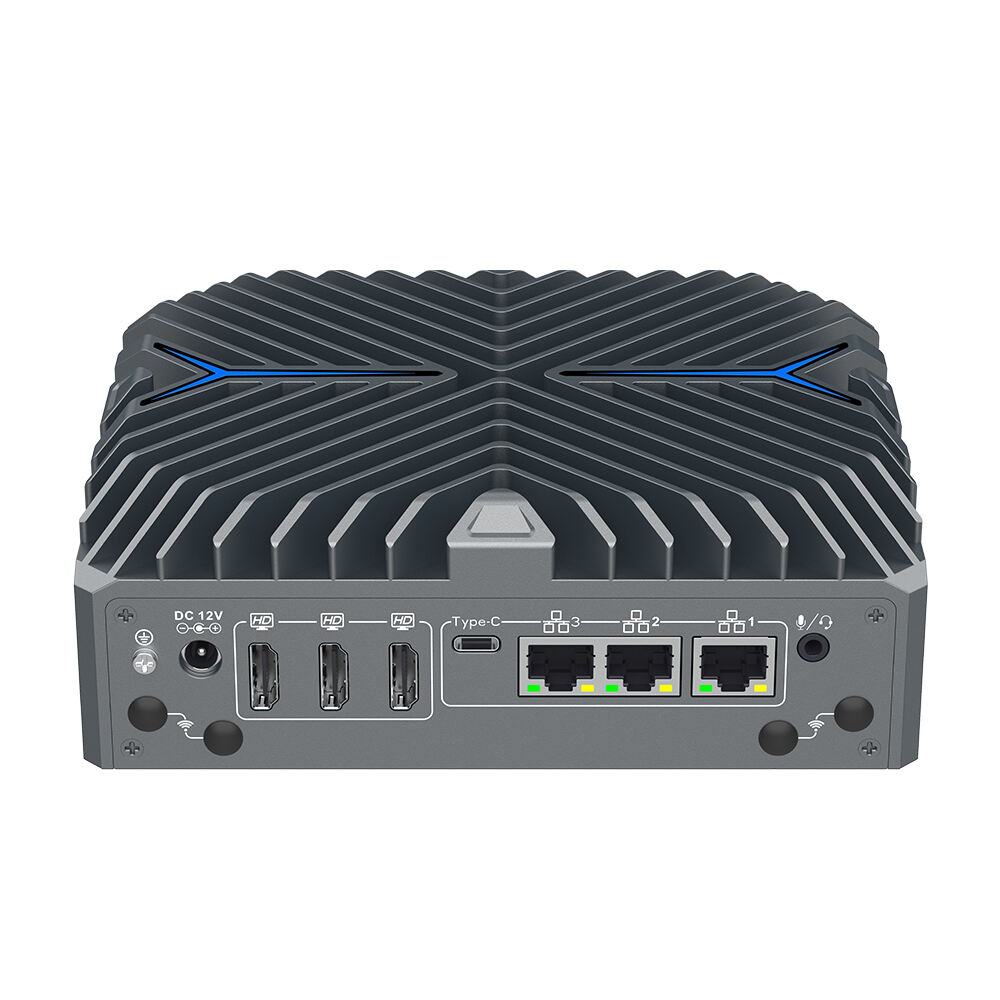
N18 Firewall Appliance Hardware: Network Security Powerhouse
In industrial environments where network security matters most, the N18 Firewall Appliance stands out as a top performer for protecting critical data assets. What makes this hardware special? Advanced capabilities including robust intrusion detection and prevention systems that work effectively against threats in almost any network setup. From manufacturing floors to energy grids, companies have deployed these devices with great success. They help strengthen entire network structures while keeping sensitive information safe from unauthorized access. Many IT managers report significant improvements in their cybersecurity posture after installing N18 appliances, making them a smart investment for businesses serious about data protection.
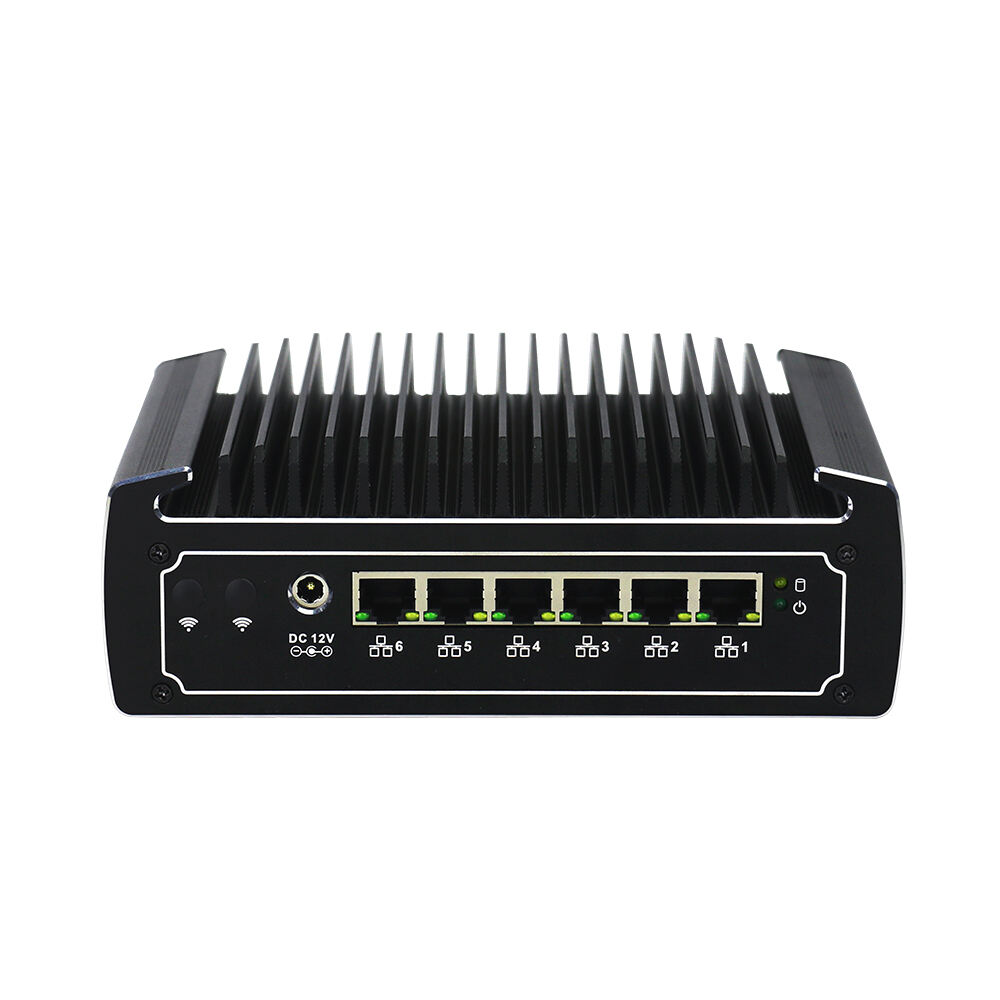
Industrial PC Applications in Automation
Manufacturing Process Control
Industrial PCs are becoming increasingly important for making manufacturing processes run smoother. They offer automation options that boost both productivity and accuracy on factory floors. When these computer systems collect data in real time, plant managers get better information to work with when making decisions. The ability to access precise data fast means manufacturers can adapt quicker to changing conditions and fine tune how things operate. Take one factory that installed industrial PCs across their production line. Within months, they noticed a big jump in output because workers no longer had to manually check every component. Instead, sensors connected to these PCs automatically monitored quality control points and made necessary adjustments along the assembly line without human intervention.
Logistics Transportation Systems
For logistics businesses, industrial PCs have become essential for keeping transportation systems running smoothly. These computers help streamline supply chains when it comes to tracking shipments and figuring out the best routes for deliveries. Companies that invest in such technology often see their bottom line improve as they cut down on unnecessary expenses while getting products to customers faster. Take XYZ Logistics for instance they rolled out industrial PC systems across their warehouses last year. The results were pretty impressive operations ran smoother day to day, and clients started complaining less because packages arrived on time instead of sitting in some warehouse collecting dust.
Edge Computing for IoT Networks
Industrial PCs play a key role in modern IoT setups because they enable edge computing features that make systems smarter on site. When companies process information right at the source instead of sending everything to distant servers, they get real advantages like lower lag times and better protection against cyber threats. For manufacturing plants or smart cities, this means decisions happen quicker and devices respond more effectively to changing conditions. Looking ahead, edge computing tech keeps getting better all the time. We're seeing some pretty impressive improvements already, and there's no sign this trend will slow down anytime soon. These developments are making IoT networks stronger and more versatile across sectors from healthcare to agriculture.
Maintenance Strategies for Long-Term Reliability
Dust and Debris Mitigation Techniques
Keeping dust and dirt at bay matters a lot when it comes to making sure industrial PCs stay reliable over time. The best approach starts with placing these machines in spots where there's not much floating around in the air, and where airflow can be managed properly. Many folks have found success going with models that don't need fans or vents since those parts tend to collect all sorts of unwanted particles. For extra protection against dust buildup, adding filtration systems works wonders. HEPA filters do a pretty good job here, and sometimes just preventing static build up helps too. Don't forget about regular checkups either. Cleaning surfaces regularly and looking closely at seals and enclosures makes all the difference in keeping sensitive internal parts free from dust accumulation, which ultimately extends how long the equipment lasts before needing replacement.
Temperature Monitoring Best Practices
Keeping an eye on temperature in real time helps stop industrial PCs from overheating and makes sure they run at their best. Continuous temperature sensors are a must have these days, especially ones that give live data updates and send out warnings when things get too hot. Factory workers can tweak cooling settings depending on what's happening around them, so all those sensitive computer parts stay within safe ranges. Thermal management software works wonders here, along with those alert systems that pop up messages as soon as temps start climbing. Some plants even install extra fans in strategic spots based on sensor readings. This kind of approach lets maintenance teams fix problems before they become disasters, cutting down on those frustrating breakdowns caused by heat damage that nobody wants to deal with during production hours.
Firmware Update Protocols
Creating solid procedures for firmware updates matters a lot when it comes to keeping systems secure and running well. Most companies find that setting regular schedules for these updates works best, along with proper documentation so nothing gets missed when applying those important security fixes and performance boosts. Firmware actually plays a big role in how systems perform day to day, sometimes causing issues with hardware compatibility or limiting access to certain features. Smart organizations test their updates first in smaller environments before rolling them out across the board, which helps cut down on unexpected downtime during the actual implementation. Following these kinds of practices not only keeps systems reliable but also protects against security holes that could otherwise go unnoticed for months.