 EN
EN

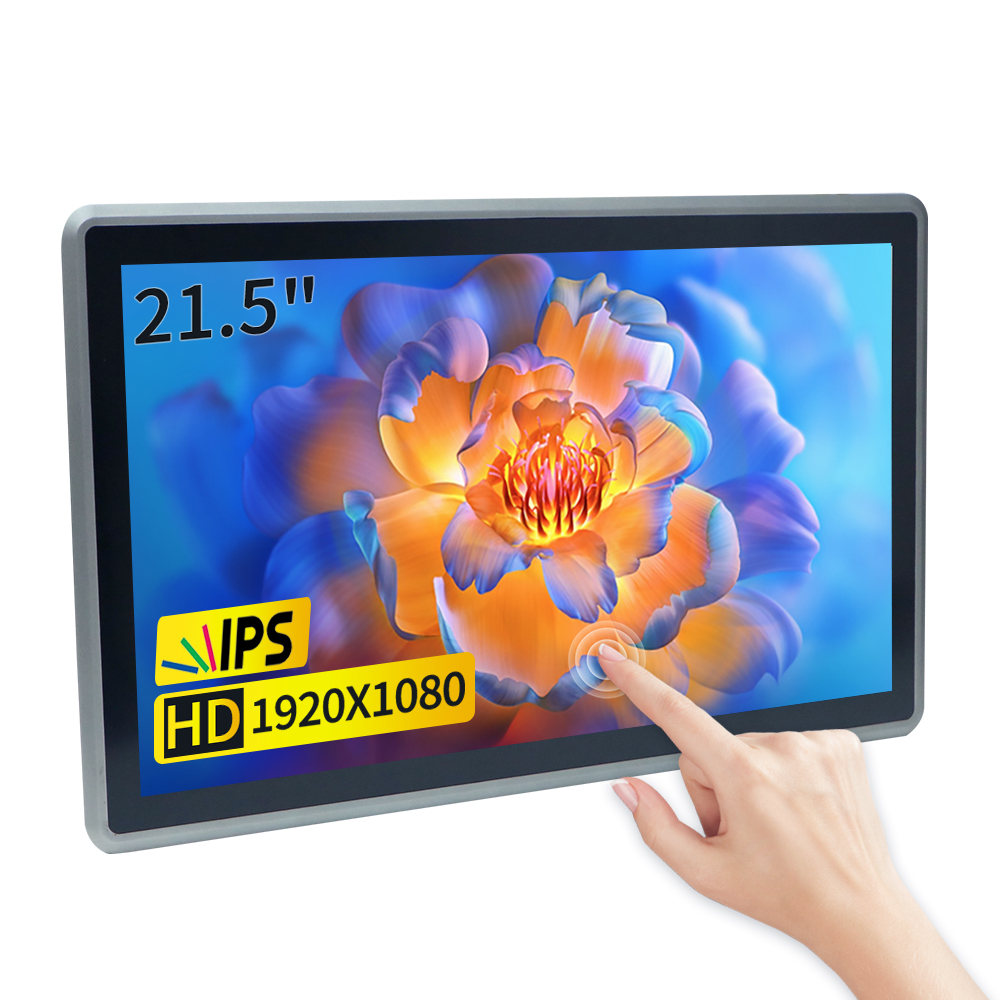
Key Features of Industrial Touch PCs for Harsh Environments
Rugged Design and Durability Standards (IP Ratings, Materials)
Industrial touch PCs come built tough with designs meant to last through some pretty rough situations. They're made to handle whatever gets thrown at them in tough environments without losing their basic functions. One major factor in how well they hold up is the IP rating system. Take IP67 as an example - these machines won't let dust inside and can actually sit underwater for short periods, which makes them perfect for factories where spills happen regularly. Most models also use strong but light materials such as aluminum frames and toughened glass screens. This combination means they stay durable yet easy to mount on walls or equipment across different production floors. Manufacturers follow military specs like MIL-STD-810G too, so workers know these panels will keep working even when exposed to temperature extremes, dropped tools causing shocks, or constant machine vibrations throughout the day.
Fanless Cooling Systems for Dustproof Operation
Industrial touch PCs often need fanless cooling systems when they're going to work in dusty places like factories or warehouses. These systems get rid of all those moving parts that break down over time, so there's less maintenance needed and the devices tend to last longer too. Instead of regular fans, manufacturers use things like heat sinks and thermal pads to keep everything cool quietly. The absence of fans helps protect against dust buildup while also making the whole unit lighter weight, which matters a lot for workers who move equipment around different locations during their shifts. Some big name manufacturers actually claim their fanless models run just fine even when temperatures swing between minus 20 degrees Celsius and up to 70 degrees Celsius. That kind of flexibility really stands out in tough industrial environments where keeping machines running smoothly through all sorts of weather conditions is absolutely vital for business operations.
High-Performance Hardware Components (Mini ITX Motherboards)
Industrial touch PCs typically include powerful hardware parts like Mini ITX motherboards, which makes sense when we're talking about tight spaces where room matters. Most of these boards already have built-in graphics cards too, so there's no extra hardware needed just to get decent performance out of them. That means these systems work really well for jobs that need serious processing power right away, think about real time data crunching for example. What makes Mini ITX boards so great is how flexible they are. They can handle all sorts of connections from standard USB ports to HDMI and even older serial ports, which helps them slot right into different kinds of industrial setups without too much hassle. Tests keep showing that these Mini ITX systems can tackle tough tasks without breaking a sweat, which explains why they're becoming popular choice for places where reliability counts but space is limited. Just look at those mini box PCs used in digital signage displays around stores and airports these days.
Benefits of Deploying Rugged Touch Panel PCs
Enhanced Productivity in Extreme Conditions
Putting industrial touch panel computers to work makes a big difference when it comes to getting things done in tough environments. The way they're built means workers can interact with them easily, so people don't get as tired after spending long hours at their stations. Some research indicates these panels might actually help workers perform about 25 or 30 percent better than regular desktops, especially since standard computers tend to break down or malfunction under harsh conditions. These touch screens also work well even when operators need to wear gloves or when there's moisture around, keeping production moving forward without unnecessary stops. We've seen this happen across various factories too. For instance, one plant reported significant gains in both speed and quality control once they switched from old equipment to these durable touch panels, something that just wasn't possible with their previous setup.
Reduced Maintenance and Downtime
Touch panel PCs built to withstand tough conditions really cut down on how often they need fixing and stop work from being disrupted. These machines are made tough with special coatings that keep dust out, so they don't break down as much over time. Companies tell us their rugged panels last for several years before any big fixes are needed, which means less money spent overall. Some research shows businesses experience around half the downtime after making the switch to these durable units, keeping operations running smoothly most of the time. Plus, there's less hassle with regular checkups and tune-ups, freeing up employees to handle other important tasks instead of constantly worrying about computer problems.
Compatibility with Industrial Software Ecosystems
One major advantage of rugged touch panel PCs lies in how well they fit into existing industrial software setups. These panels just plug right into different types of industry software, which means better data movement around the factory floor and smoother day-to-day operations something that matters a lot when managers need to make quick decisions based on fresh information. Most modern industrial touch screens actually run on several operating systems at once, so companies can keep running old programs alongside newer ones without any problems. Factory workers who have used these systems report feeling much happier with them because everything works together so nicely with what's already installed in most plants. For manufacturers trying to get the most out of their tech investments without causing headaches during upgrades, this kind of compatibility really pays off in the long run.
Top Applications: From Kiosks to Digital Signage
Self-Service Kiosks in Retail and Hospitality
Retail stores and restaurants have seen major changes since self-service kiosks started appearing everywhere. These touchscreens let people handle payments themselves, which cuts down on those annoying lines we all hate waiting in. Market reports suggest the kiosk business might expand around 10% each year going forward, showing just how widely businesses are embracing them now. Most modern kiosks feature easy-to-use touchscreens that most folks can figure out pretty quickly, though some older customers still prefer talking to humans. The real money maker comes when customers actually spend more because they can tweak their orders exactly how they want them, adding extra cheese or changing toppings without having to explain it all to someone else.
Digital Signage Solutions for Public Spaces
Digital signs have really taken off as a go-to solution for getting messages across in public areas, from promoting products to warning people about emergencies. The latest screen tech means these displays work better in all kinds of light situations, so they stay visible even when the sun is beating down outside. Some studies show ads shown on digital screens stick in memory around 83% of the time, something that gets marketing teams excited about grabbing eyeballs. Plus, since most modern systems connect to the cloud, businesses can change what appears on screens instantly whenever needed, giving them much more control over their messaging strategies.
Manufacturing Process Control and Automation
Touch screen computers play a big role in bringing manufacturing operations into the modern age. Factory workers can now see exactly what's happening on production lines and make adjustments as needed, which really helps push forward automation initiatives. When these touch panels work together with PLC systems, plant managers get much better insight into how everything runs. Real world examples show plants boosting their productivity anywhere from 30% to 40% just by having better control over their processes. Being able to look at live data makes all the difference for smart decisions about where to allocate resources, and keeps facilities running smoothly day after day without wasting time or materials.
Choosing the Right Industrial Touch PC: Hardware and Design Considerations
Evaluating Processor and Motherboard Options
Picking the right processor matters a lot when it comes to getting the performance needed for different applications. Industrial touch PCs often go with Intel Core or ARM processors as standard options. These processors each bring their own strengths to the table, so looking at what kind of software will run on them and where they'll be used makes all the difference. When it comes time to choose a motherboard, there are several things worth thinking about including size constraints and whether older style ports are necessary since many facilities still have legacy equipment around. Real world testing shows just how much impact these decisions can have on day to day operations, with noticeable improvements in response times and general speed. Don't forget to check out how heat builds up from powerful components either. Some setups end up overheating if proper cooling solutions aren't included from the start, which nobody wants dealing with down the road.
Selecting the Optimal Touchscreen Technology
When choosing an industrial touch PC, getting familiar with the various touchscreen options matters a lot. The main contenders out there are capacitive and resistive screens, and they work best in different situations. Capacitive displays stand out because they're so clear and responsive, which makes them great for applications needing multiple fingers on screen at once like design work or complex controls. On the flip side, resistive screens might not be as snappy but handle much better when workers need to operate while wearing gloves, something common in manufacturing plants across the country. Looking at what's happening in the market right now shows most companies gravitating toward capacitive tech since people want clearer visuals and smoother interactions, particularly important in places where accuracy counts, such as quality control stations or lab environments.
Importance of Connectivity and Expansion Capabilities
When it comes to connecting industrial touch PCs with existing systems and networks, having good connectivity options matters a lot. Things like Wi-Fi, Ethernet connections, and different types of USB ports help these computers talk to other equipment without problems. The ability to send and receive data smoothly makes operations run better day to day. Looking at expansion features is also important stuff for anyone buying this gear. A decent system will let users add more storage space, extra ports for connecting things, or hook up peripheral devices as technology changes over time. Studies have shown that machines with solid expansion options tend to last longer before needing replacement, which gives businesses flexibility when new demands come along. Compatibility with IoT devices plays a big part too. Industrial touch PCs that work well with smart sensors and connected equipment become much more valuable in creating those modern factory floors where everything talks to everything else.