
The IP (Ingress Protection) rating system plays a big role when figuring out how well an Industrial Panel PC stands up to dust and water exposure. These ratings basically tell us what kind of protection level we get from electronic enclosures, which helps point us toward picking the right device for whatever environment it needs to work in. Take IP65 for example - this means the device won't let dust in at all and can handle water jets coming from pretty much any direction. IP67 goes even further, protecting against dust completely while also surviving being submerged in water up to about a meter deep. Getting the correct IP rating matters a lot if we want our equipment to last through tough conditions. Many manufacturers overlook this aspect until something breaks down. Industries dealing with lots of dust and moisture, think food processing plants or outdoor setups, really need those higher rated devices like IP65 or IP67. Standards bodies like IEC 60529 back this up too. Following these guidelines stops unexpected equipment failures and makes sure industrial PCs stick around longer, giving operators one less thing to worry about day to day.
How well they handle temperature extremes matters a lot for Industrial Panel PCs since many end up working in places where it gets really hot or freezing cold. Most models work just fine across quite a broad spectrum, usually somewhere around minus 20 degrees Celsius all the way up to 70 degrees Celsius. That means they keep running without problems even when things get tough out there on site. The ability to withstand vibrations is also super important because these panels are constantly subjected to movement in places like factory assembly lines or moving vehicles. Getting something with good shock absorption makes sense if we want to avoid breakdowns down the road. Companies that ignore this aspect risk expensive repairs and lost data when components fail unexpectedly. Looking at actual field reports shows that machines built to last through harsh conditions cut down on maintenance costs and boost overall efficiency. For anyone shopping for Industrial Panel PCs, checking those specs about temperature ranges and vibration handling isn't just optional it's basically what keeps operations going smoothly day after day.
Choosing an industrial panel PC means finding that sweet spot between processing muscle and power consumption. Stronger processors handle data faster, something plant managers need for things like tracking production stats or running automated systems. But here's the catch: beefier chips from Intel and similar brands usually guzzle more electricity, which adds up on the monthly bill. Look at ARM processors instead. These guys sip power while still getting the job done, though they aren't going to tackle complex operations. The decision really comes down to what the system actually needs to do day to day. Factories running full automation lines will want those powerhouse processors, whereas basic monitoring stations can save money with energy efficient options without sacrificing functionality.
Looking at what kind of processing power different tasks actually need makes a big difference. Take applications that handle lots of data visualization or require real time interaction for example they generally demand much more computing muscle compared to simple data collection systems or basic human machine interfaces (HMIs). When trying to figure out energy needs, checking out actual case studies or industry tech reports tends to be pretty informative. These documents usually show exactly how much power various processors consume under different conditions. Industries can then use this information to fine tune their operations so they get better performance without wasting electricity. Some companies have even managed to cut costs significantly just by understanding their processor's energy habits better.
Having enough RAM and storage space matters a lot for how well industrial panel PCs run, particularly if they need to handle those heavy data apps we all know about. Most folks find that going with at least 16GB RAM really helps these devices switch between tasks without lagging and keeps complex industrial software running smoothly. Now regarding storage options, there's always that debate between SSDs and HDDs. The difference? Well, SSDs just work faster overall and tend not to break down as often as traditional hard drives do. That makes them pretty much standard equipment nowadays for anyone needing top notch performance from their industrial computing setup.
Having good graphics power is really important when dealing with complex visual stuff. Take those apps that need super clear displays or heavy video work they just run way better with strong graphics hardware. Industry tests consistently show that machines with separate graphics cards perform much better in situations where visuals matter most, which means people can make smarter decisions based on what they see. Looking at specs matters too. Anyone shopping for an industrial panel computer should check out how well the RAM works, what kind of storage options come with it, and most importantly, how capable those graphics components actually are. This helps guarantee whatever gets bought will handle whatever tasks it needs to do day in and day out.
Choosing between regular and sunlight readable displays matters a lot when picking out industrial panel computers, particularly if they'll be used where there's lots of direct sun exposure. These special displays come with tech upgrades such as anti glare coatings plus boosted brightness levels so operators can actually see what's on screen even when standing outside during midday hours. What makes them work? Specialized film layers help manage reflections while boosting the contrast ratio too. Looking at actual performance numbers tells us something interesting: most sunlight readable models stay legible at around 1000 nits brightness whereas normal ones typically max out between 250 and 400 nits. Field technicians who've worked with both types often mention how much better the sunlight readable screens perform in real world conditions. They report less tired eyes after long shifts and generally faster response times from operators working in tough lighting situations across different job sites.
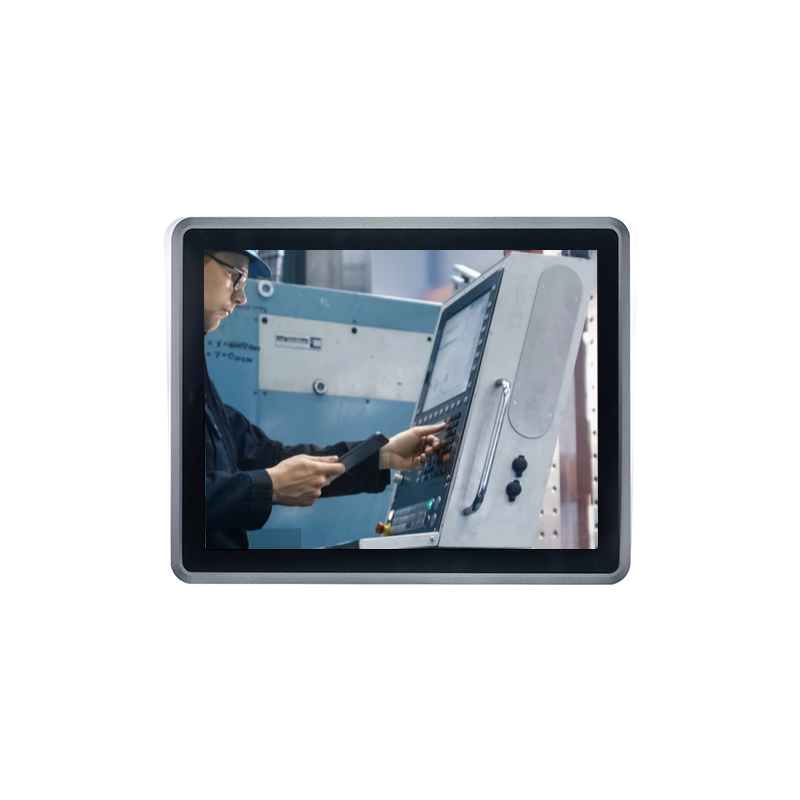
Getting clear on what separates capacitive from resistive touchscreens matters when picking the right option for industrial work. Capacitive models have this thing going for them where they detect finger touches through our body's electricity, which means better responsiveness and those handy multi-touch features we all know from smartphones. On the flip side, resistive screens work by sensing pressure applied to the surface. These tend to last longer in tough environments because they can take punishment without breaking down, which makes them perfect for factories where workers often wear gloves or need to use stylus pens for data entry. Most folks go with capacitive displays when accuracy and smooth operation are key requirements, but resistive options shine in places where equipment might get smudged with grease, chemicals, or other industrial messes. The tech world keeps pushing boundaries too, with newer developments focusing on making multi-touch work better even in dusty workshops or outdoor locations. When it comes down to choosing between these two types, manufacturers really need to think about what their day-to-day operations actually demand from the touchscreen interface.
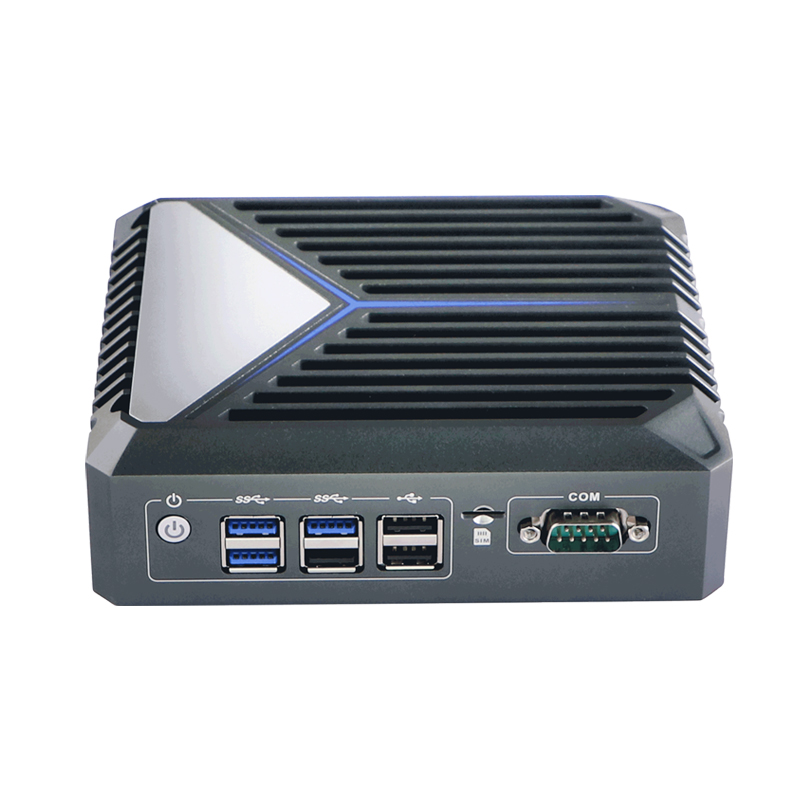
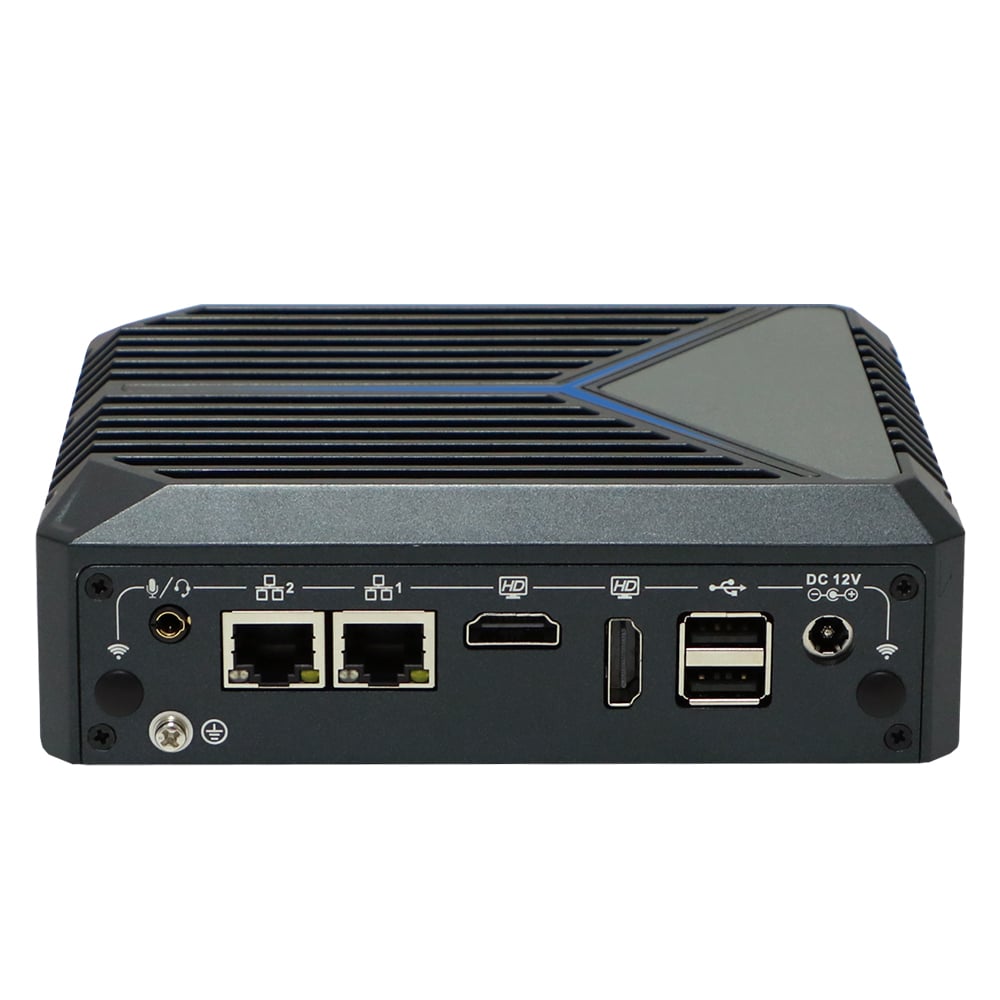
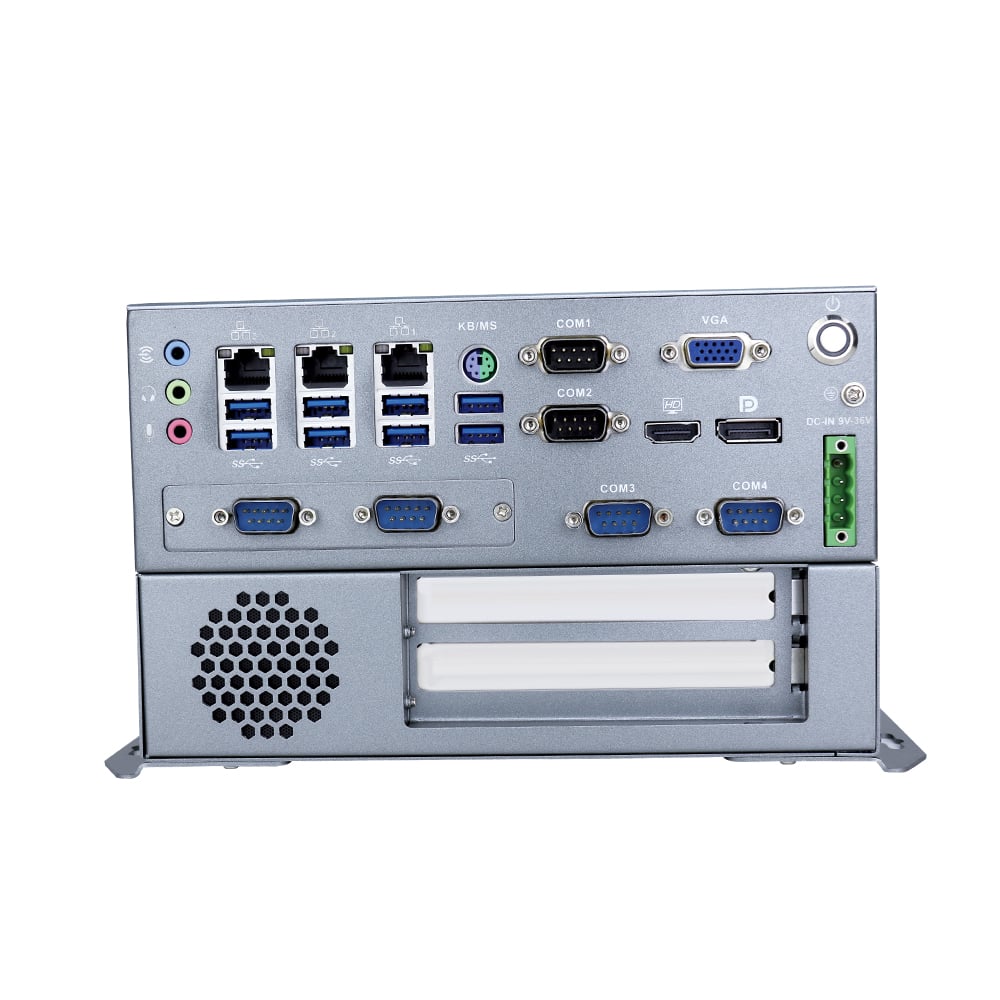
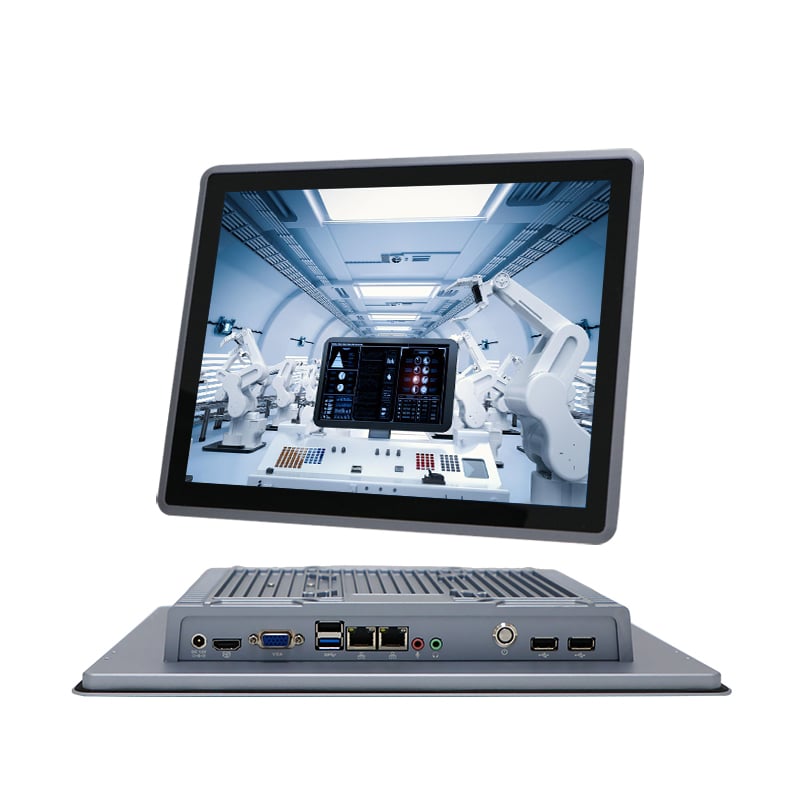
When it comes to industrial panel computers, certain connection points stand out as really important because they work so well across different situations. Take USB ports for example - these let workers hook up all sorts of stuff from basic input devices like keyboards and mice right down to those big external hard drives everyone needs nowadays. Then there's Ethernet which keeps things running smoothly online, especially when systems need constant network access. And don't forget about HDMI ports either. These make sure that high quality sound and picture gets sent around, something control room operators rely on daily for monitoring screens and displays throughout factories. Wireless options like Wi-Fi and Bluetooth matter too now days. They make transferring files between machines easier while keeping everything connected without all those messy cables everywhere. Without proper ports though, operations start getting stuck fast. Imagine trying to run production lines without being able to plug in scanners or printers at critical moments? That kind of problem happens way more often than people think. Most manufacturers know this already, which is why we keep seeing better specs for connectivity built into new panels every year.
Industrial panel PCs get a real boost from PCI and PCIe slots when businesses need something beyond off-the-shelf solutions. These expansion ports let technicians install various cards that bring in extra network connections or run special computing tasks. Take manufacturing plants for instance they often plug in high-end graphics cards or other hardware upgrades to handle all that complex data processing required on the factory floor. A food processing facility might actually install multiple network interfaces just so they can track production stats in real time across different departments. Companies investing in these customizable systems through PCI/PCIe slots typically see good ROI because their machines work faster and break down less frequently. Many automotive manufacturers report cutting maintenance costs by around 30% after implementing these kinds of hardware modifications, showing how valuable these slots really are for building exactly what the job needs.
When picking an OS for factory floors or production environments, most companies find themselves stuck between Windows and Linux. The choice usually comes down to what kind of software they need running and how easy the system needs to be for operators day to day. Windows tends to win out because so many industrial programs work with it right out of the box. Think SCADA systems for monitoring processes, MES platforms for tracking production data, all those things just plug in without headaches. Plus, the graphical interface makes sense for workers who aren't computer experts. On the flip side, Linux has this edge when speed matters most. Since it's open source, manufacturers can tweak the core code to get exactly what they need for real time control systems. That flexibility makes Linux a go to option for automation tasks where milliseconds count, like precision manufacturing or robotics control.
When it comes to industrial settings, Windows works best when there's a need for all those software packages and standard interfaces everyone expects. On the flip side, Linux tends to shine in situations where money matters most and custom tweaks are necessary. But let's not ignore the headaches Windows brings along - licensing fees can really add up over time, plus there's always that nagging issue of support ending eventually, just look at what happened with Windows 10 last year. Linux isn't exactly a walk in the park either though. Getting it right takes some serious technical know-how, especially if someone wants to get into the nitty gritty details of configuration and day to day management. From what we see across different sectors, manufacturing plants still stick with Windows because they need all those enterprise apps running smoothly. Meanwhile, tech companies and startups often go the Linux route since they want full control over their systems and aren't afraid to roll up their sleeves and get their hands dirty with code.
Keeping firmware up to date is really important for industrial panel PCs when it comes to staying secure and running efficiently. The updates fix holes in the system that hackers might try to get through, so the machines stay protected from being broken into. And let's face it, old software just doesn't work as well anymore. When companies neglect these updates, they often see their systems slow down over time. This matters because downtime costs money and inefficient operations hurt productivity across manufacturing floors and other industrial settings where these PCs are used daily.
When companies neglect firmware updates, they're basically leaving their systems wide open to all sorts of problems like data leaks and falling behind technologically. The smart approach? Set up some kind of routine for these updates and follow what the industry considers standard practice. Cybersecurity experts keep hammering this point home because older systems get hit much harder by hackers looking for weaknesses. Think about manufacturing plants where machines run nonstop day after day. Keeping firmware intact there isn't merely good advice it's absolutely necessary if businesses want to protect their expensive equipment and the confidential information stored within them from those nasty digital threats lurking out there.
 Hot News
 EN
EN